
How to install or change your license key
If you just purchased a license, or want to change to a different license, these are the steps to install a license key:
- Find the license key you received, typically in the license email upon purchase
Select, right-click and copy the license key text
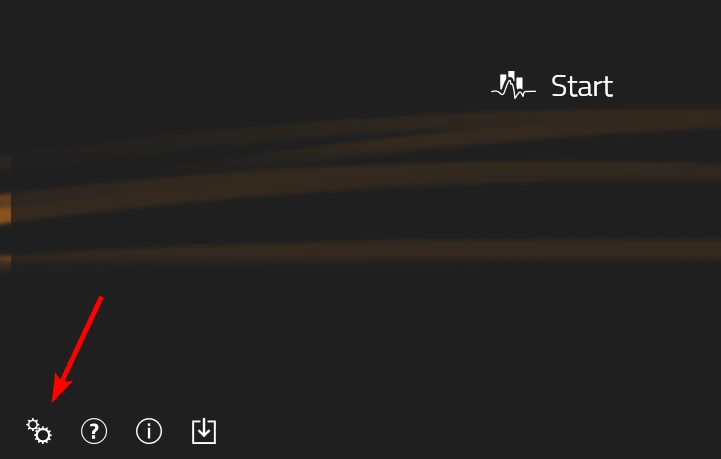
Start Swing Catalyst and click the gear icon in the bottom left
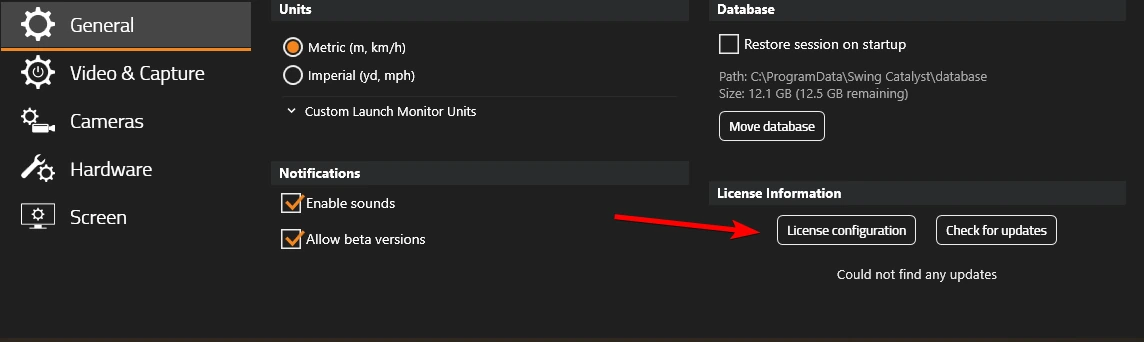
Click General
Under License Information, click License configuration
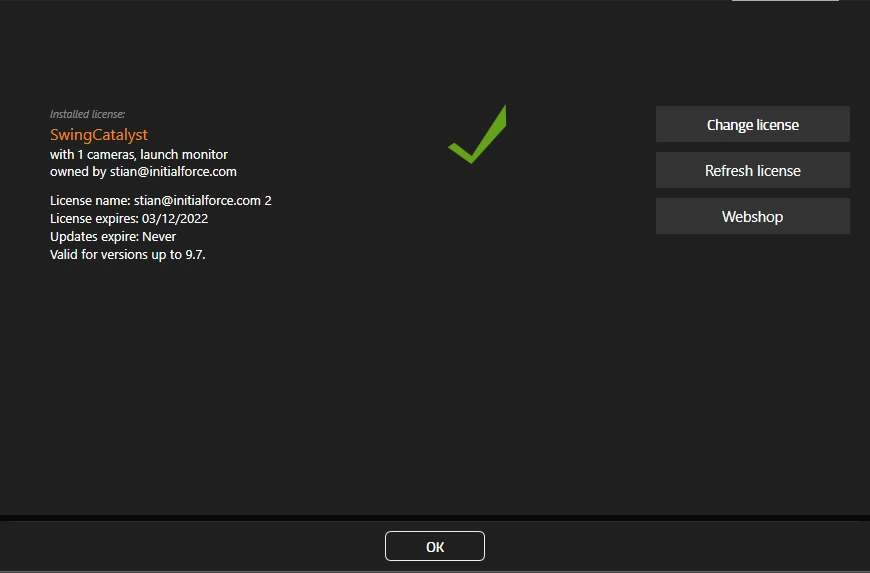
Click Change license
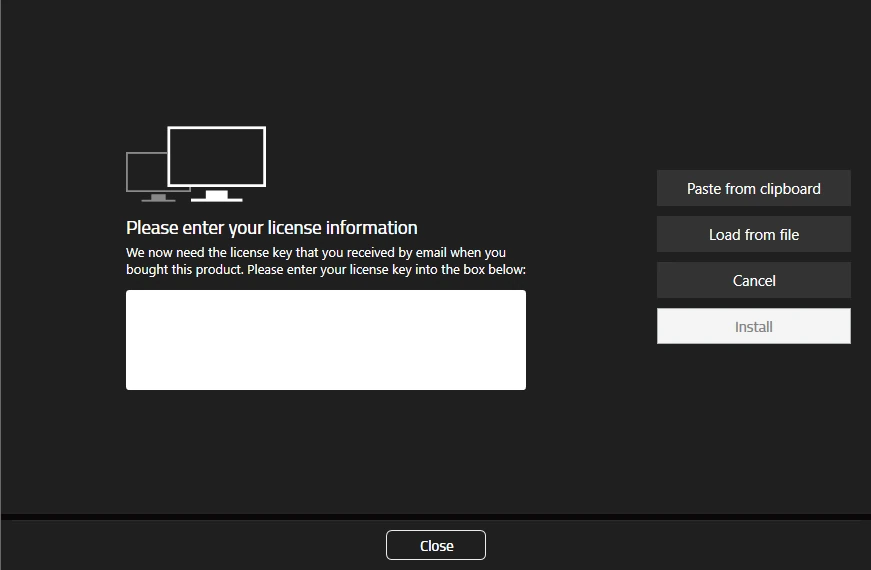
Click Paste from clipboard or paste the license key manually into the text
Click Install
Close the dialog and verify the license details are correct, if not, repeat steps once more.
Last updated on