How to install a previous version of Swing Catalyst
This support article describes how to install a previous version of Swing Catalyst.
If you’re a beta user and wish to install the previous stable version:
- Please uncheck uncheck “allow beta versions”after having installed the previous version.
When you roll back to an older software version, it may not be able to read a database that the newer version updated. If so, it shows a Database Not Supported message. Click Load Backup to choose a database backup to load, or Exit to close the program. With every major release, e.g. 9.8 -> 10.0, 10.0 -> 10.1 there is a change in the database version. This means any recordings made with the newer version won’t be available in the old version. If you have important recordings you wish to save or make a back up of we strongly recommend exporting these before rolling back the software.
Therefor it’s important to take this into consideration when wanting to roll back the software version.
How to uninstall Swing Catalyst
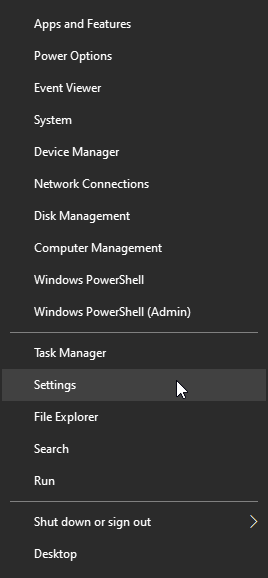
Go to Windows Settings. Right click on the Windows icon on the Task bar
 , and select Settings
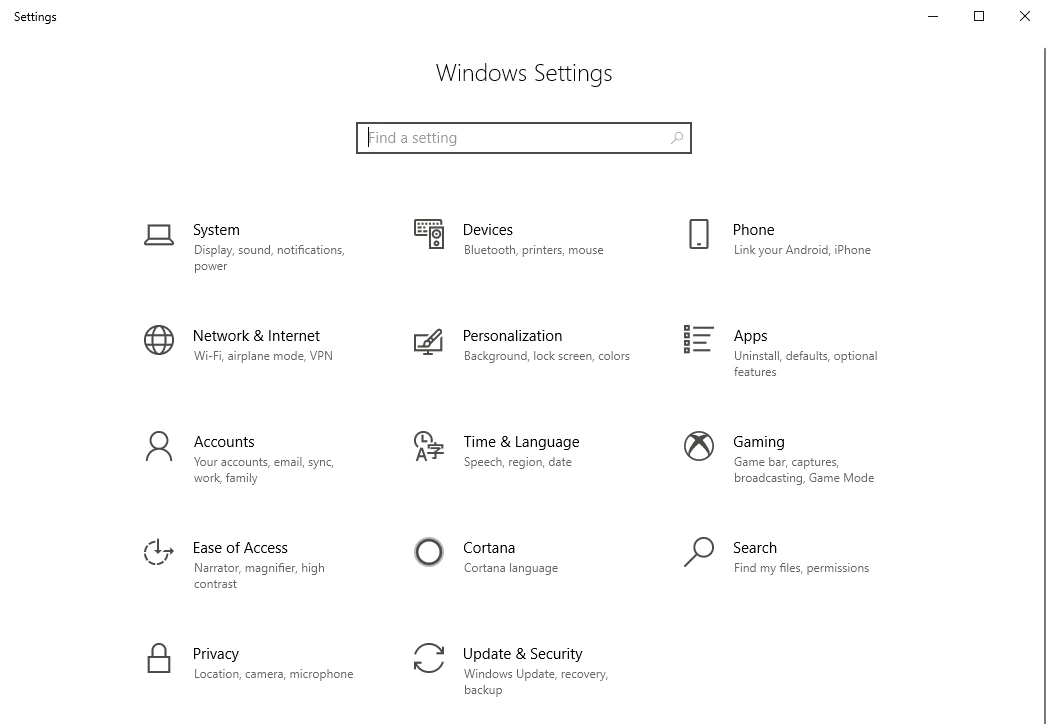
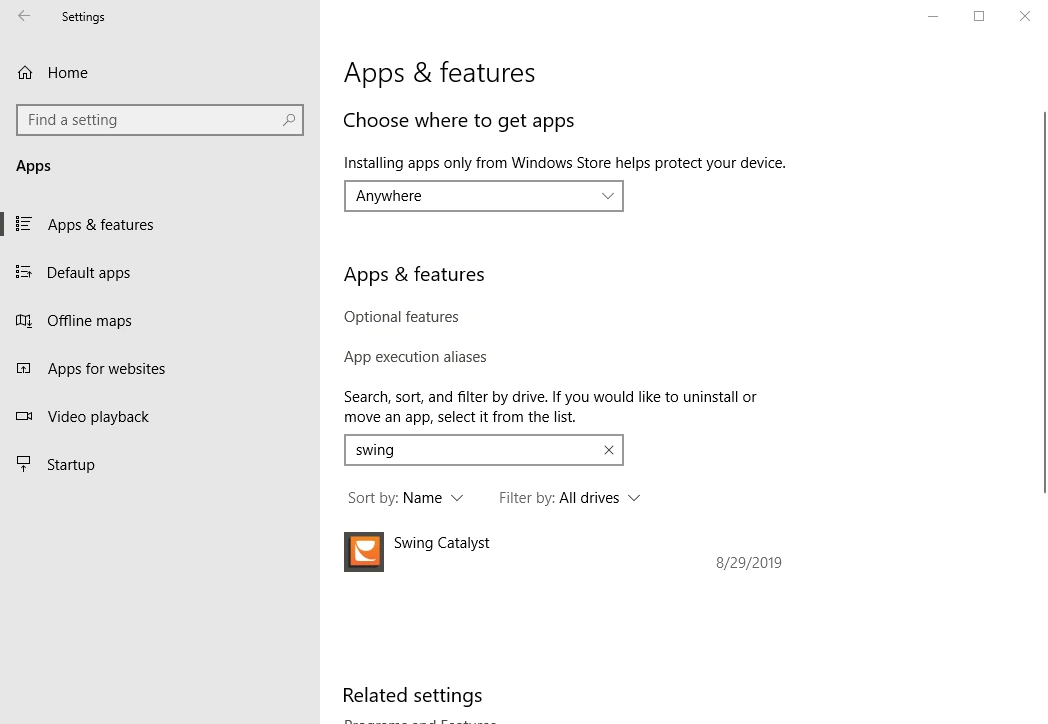
In Settings, go to Apps > Installed apps. Scroll down until you see Swing Catalyst, or type Swing in the search box.
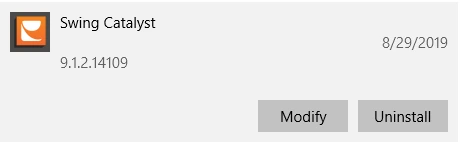
Select the More button (…) next to Swing Catalyst, then select Uninstall.
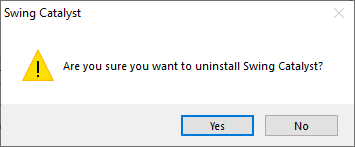
Click Yes and follow the on screen instructions.
The screenshots below are from Windows 10, where the page is called Apps & features and you click Swing Catalyst, then Uninstall.
1.
2.
Installing a previous version
Older versions of Swing Catalyst can be found in our software archive.
https://swingcatalyst.com/resources/downloads (scroll down to Software Archive):
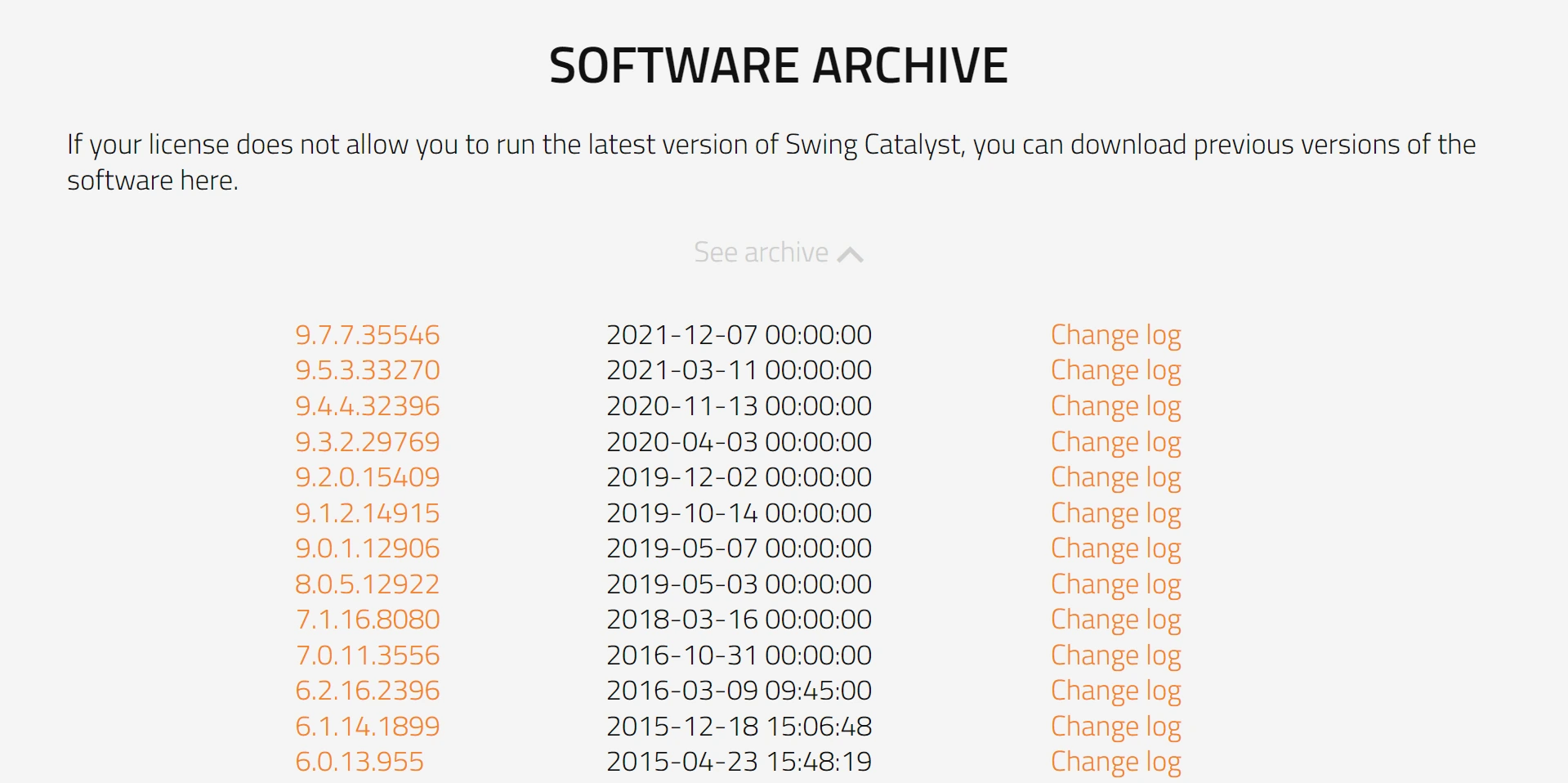
Click on the version you wish to install to download the installer file.
Files you download are usually put in the Downloads folder
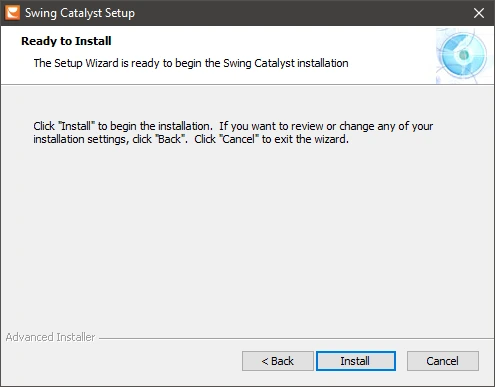
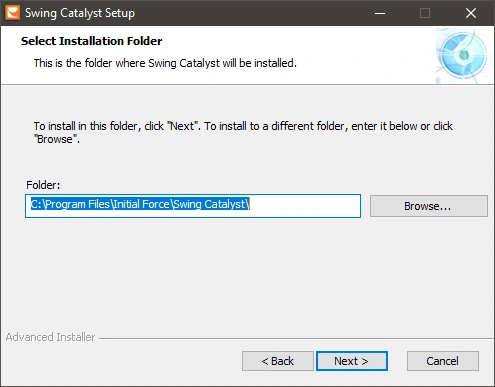
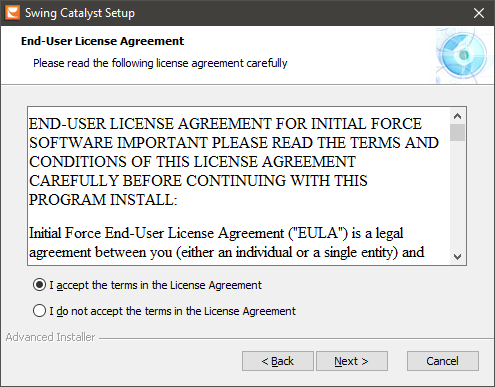
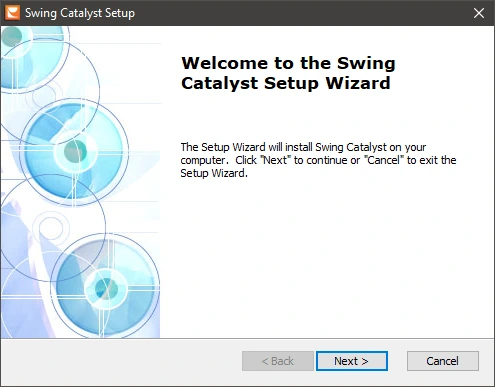
Double click the version you wish to install and follow the onscreen instructions.