
Set Up Automatic Database Backups
How to setup automatic backups of your Swing Catalyst database
This support article covers setup of Backblaze to backup your Swing Catalyst database
If you want to make a backup / copy of your database & swings please see this article: How to backup your Swing Catalyst database & swings
You can also use Crashplan, https://www.crashplan.com/en-us/
The setup process is similar, and you can use this guide as a reference for most of the steps if you wish to use a different backup provider.
We recommend that a backup system is setup before you start capturing video, as uploading a large database to the cloud takes a long time; uploading a little bit from the get go is easier.
Creating a Backblaze account
Related material:
Backblaze’s Computer Backup Guide: https://www.backblaze.com/backup-your-computer.html
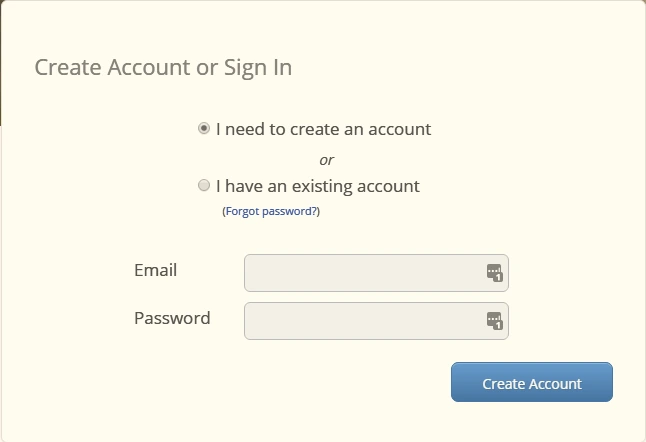
Go to Backblaze.com , sign up and follow the payment instructions.
Click Download for Windows.
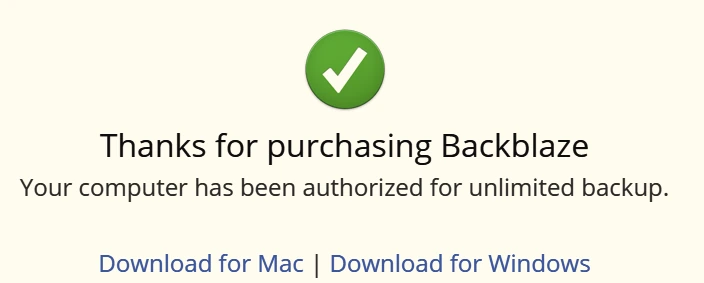
Once the client has downloaded start the program.
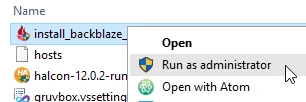
If it doesn’t show the control panel after installation, it might be due to your Windows version, download the newest installer from the Backblaze download page (you don’t need to uninstall the previous version).
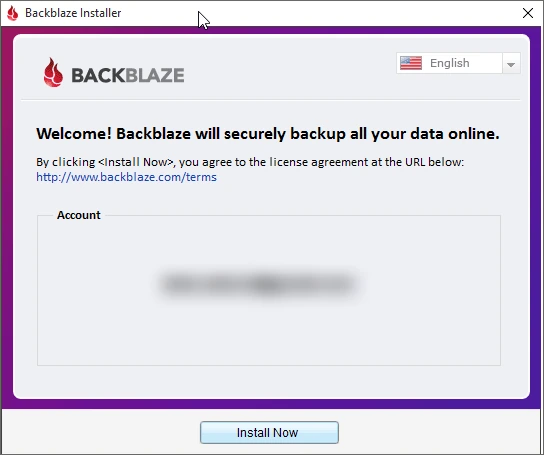
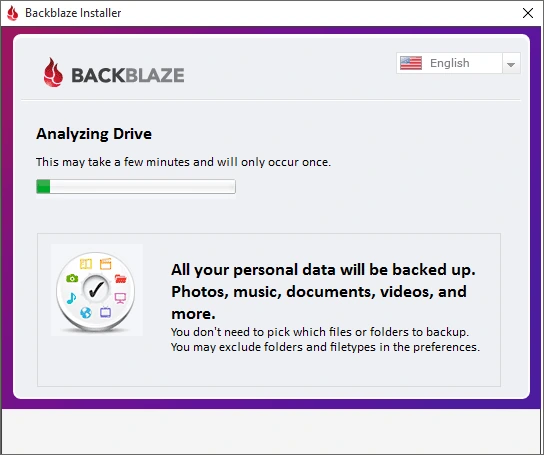
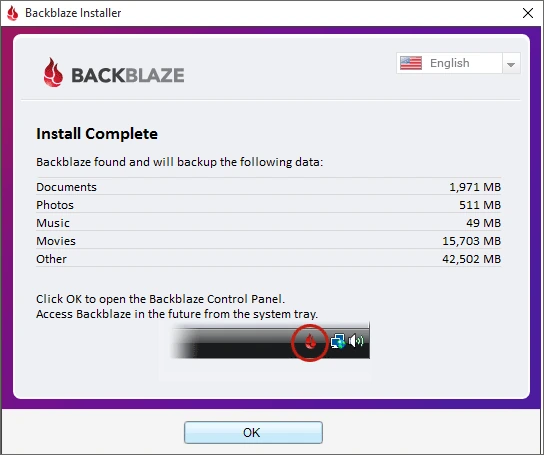
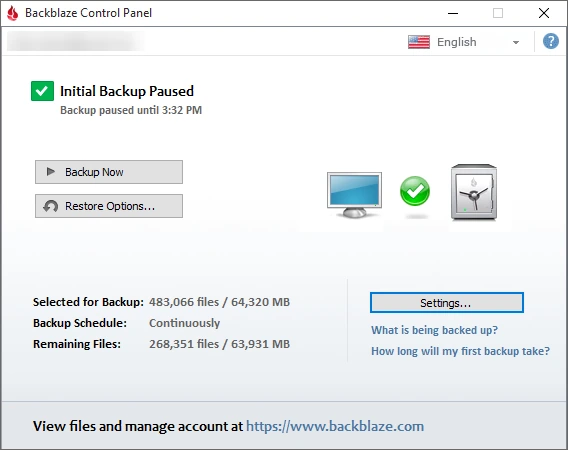
If you have your Swing Catalyst database saved to a different partition or hard drive click Settings.
E.g make sure that D:\ is selected.
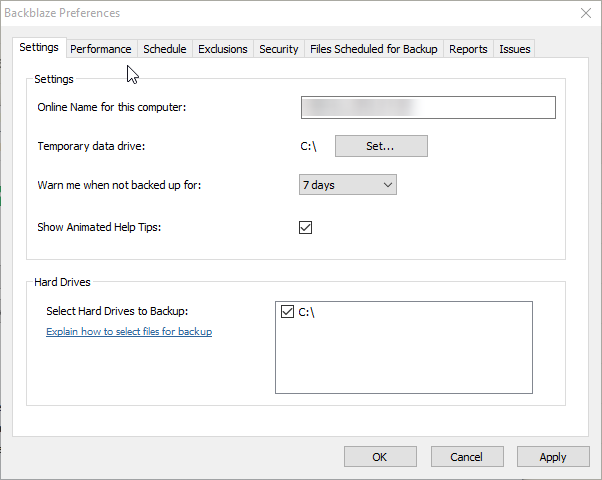
Backblaze backs up the files on the selected drives, except for folders and file types on its exclusion list. Check in the Backblaze settings that the folder with your Swing Catalyst data (C:\ProgramData\Swing Catalyst by default) is not excluded, so your Swing Catalyst settings, lesson files and students are included.
Restoring swings in the even of a data loss
If you have backed up your data (with Backblaze) to an external hard drive and it’s as recent as the online backup, restoring from an external medium is much quicker and recommended.